x
Attention
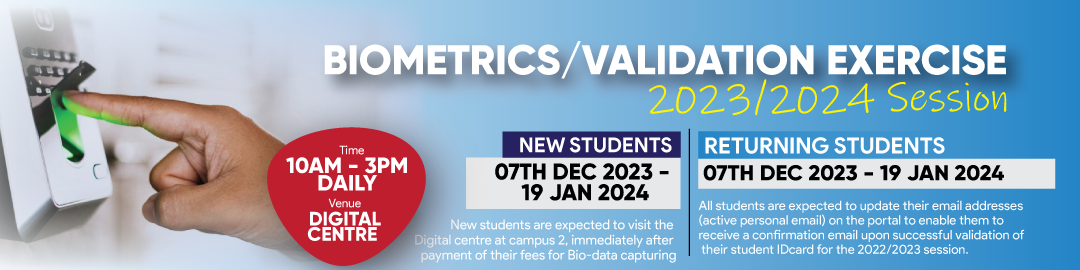
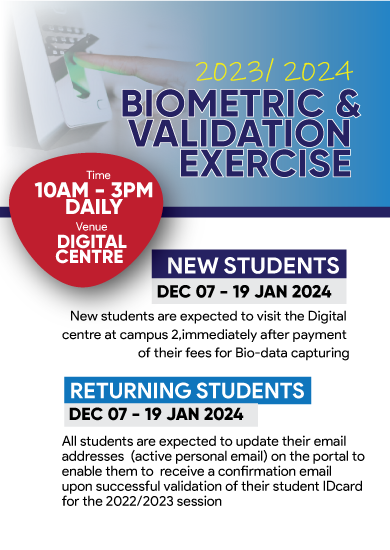
Biometric Revalidation Excercise (Abraka)
Please see schedule for biometric revalidation excercise below:
Students should go to the ICT centre and partake in the ID Card Revalidation Excercise
Time: 9am - 5pm daily
| Faculty of Education | Friday, 28th May |
|---|---|
| Faculty of Social Science | Monday, 31st May |
| Faculty of Science | Tuesday, 1st June |
| Faculty of Basic Medical / Pharmacy / Nursing | Wednesday, 2nd June |
| Faculty of Arts / Engineering | Thursday, 3rd June |
| Diploma / CEP / Weekend Degree / Sandwich / Postgraduate | Friday, 4th June |